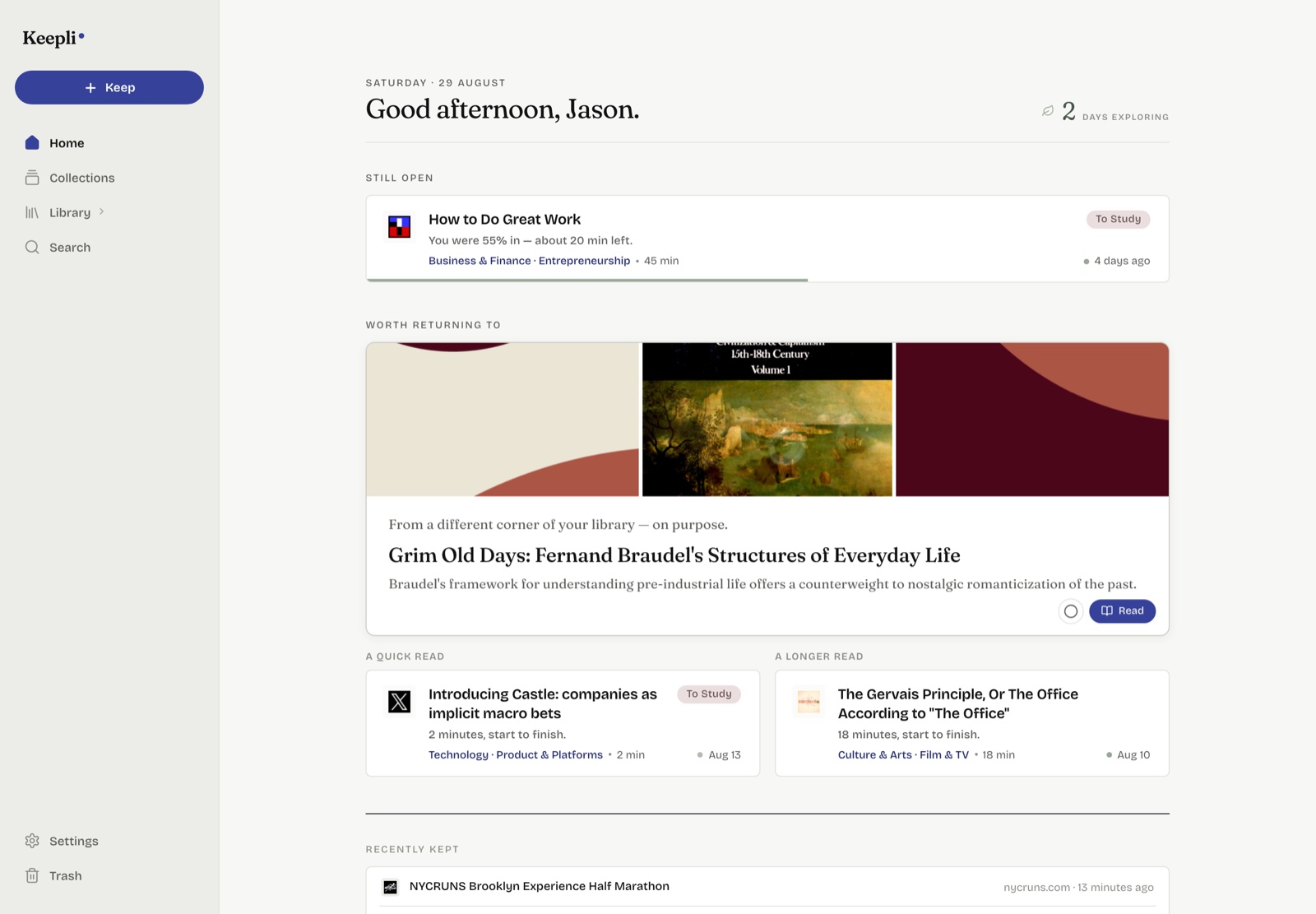
Screens show the real product on a demonstration library.
Keep anything from anywhere in a couple of seconds. Keepli brings it back at just the right time.
Screens show the real product on a demonstration library.
Why
If you’re like me, you see more internet content every day than you could ever get through. Most of it is ambient entertainment, but some of it really stands out. Like an article whose perspective you want to sit with, or a recipe you want to try.
So you bookmark a post, copy a link, leave a tab open for later. Then the next day brings more of the same. At best, your saves stay scattered and dependent on your memory. At worst, you’re closing tabs that once felt full of promise. Most saved links have zero realized value, and Keepli is my attempt to change this.
Keepli sits downstream of everywhere you see content. You choose what to keep, and Keepli brings it back at the right place and time. As your interests move, it moves with you.
How it works
Most bookmarking tools are filing systems, optimized for the save. But a filing system only helps when you already know what you’re looking for. It doesn’t give you a reason to come back. I learned this the hard way while building Keepli.
The real fight is for attention. The things we save are the purest expression of our interests, but they sit out of sight, and they’re up against everything else the internet has to offer. Bringing them back requires a destination that keeps them feeling fresh and relevant. A boring list won’t cut it, and neither will nagging obligations.
So four things have to work: an effortless save, a structure that maintains itself but still feels like yours, return moments worth showing up for, and a distraction-free way to engage. When they come together, rediscovery can beat the original find.
Save in seconds with your share sheet, a pasted link, or even a bulk import. Classification resolves while you watch: subject, summary, read time, and more.
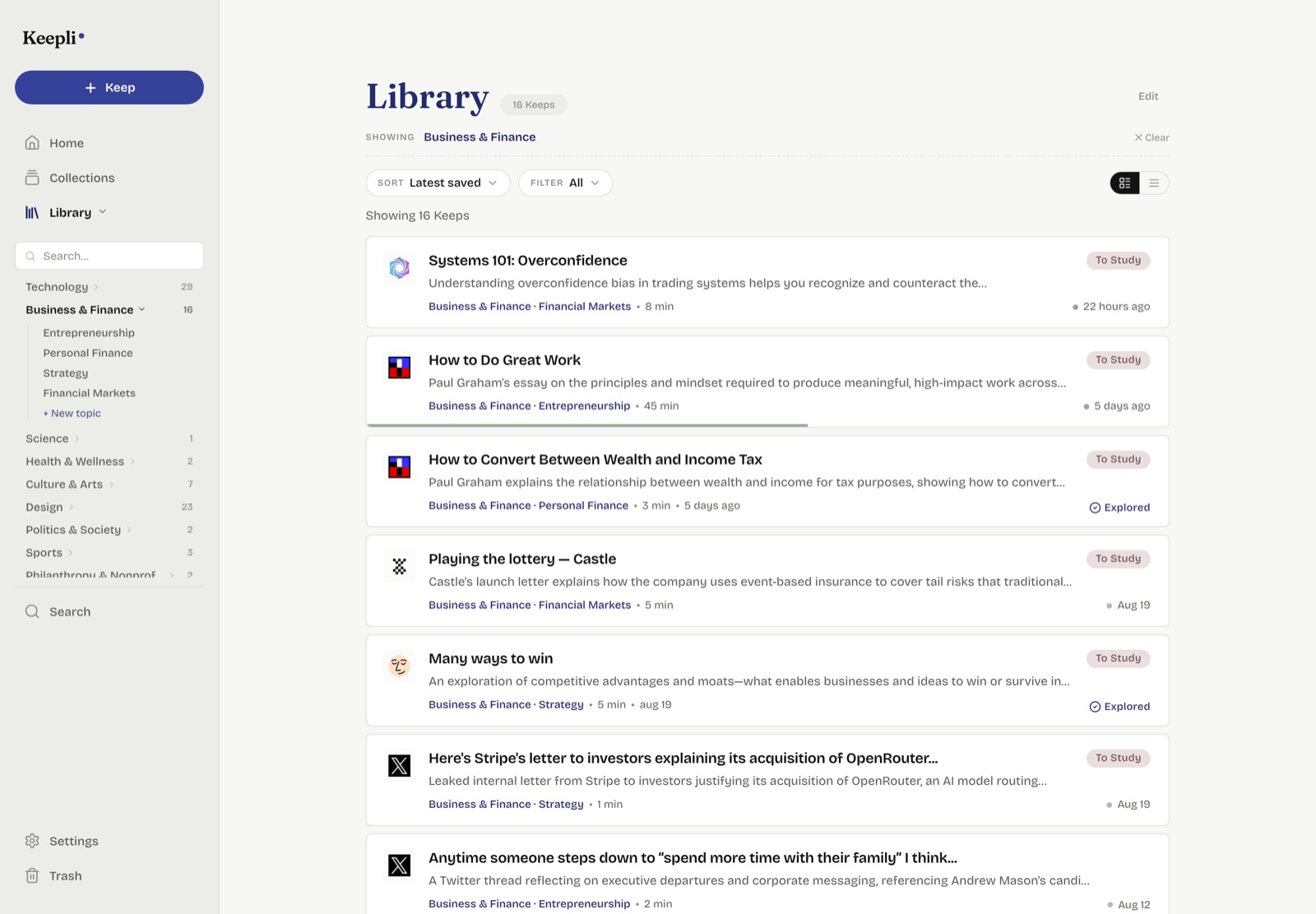
Every Keep is grouped in the right place, within a structure that maintains itself. Edits are optional.
The library. Every Keep lands under a living taxonomy covering subject area and intent.
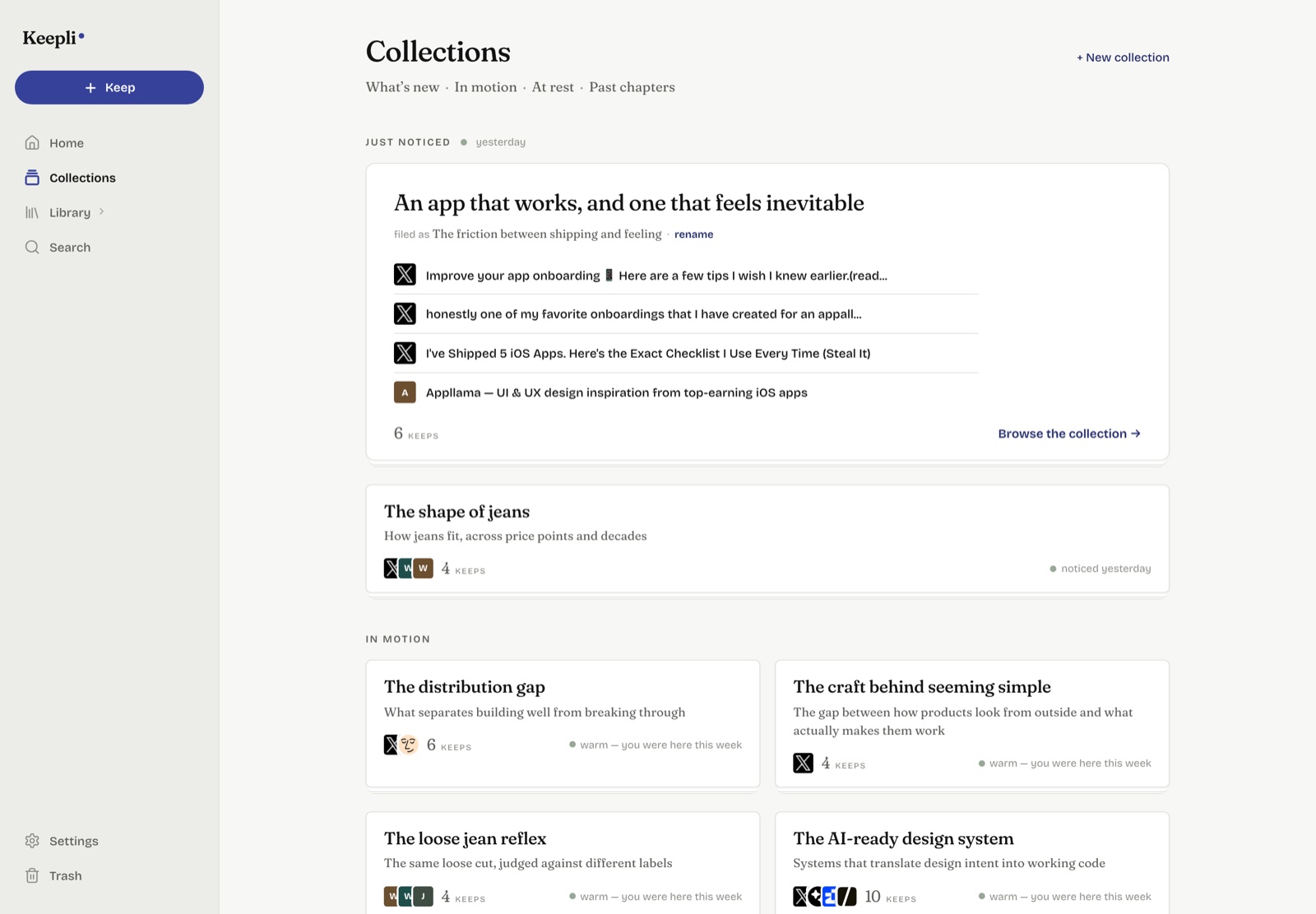
Noticed and named. Keepli also notices related Keeps across the library. When a pattern emerges, like a purchase you’re comparing or a topic you’re circling, it gets a name and becomes a collection.
This is the key moment in the loop, and there’s no single way you’ll want to come back. For the daily ritual, a curated set. For downtime, a feed to explore. For something that can’t wait, a rare notification.
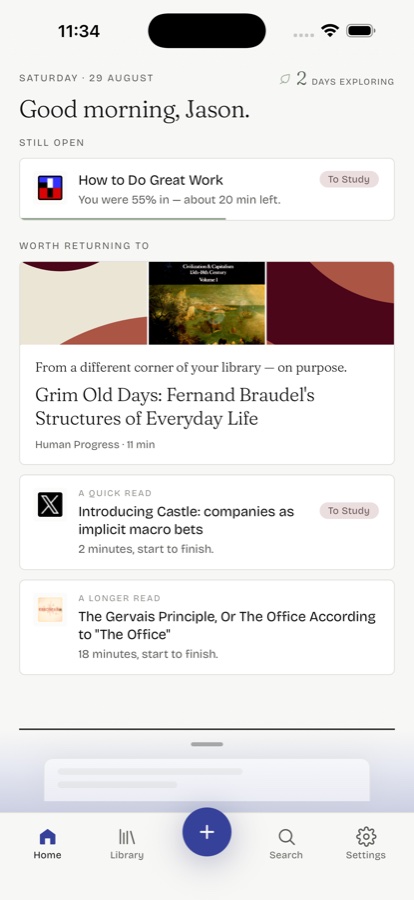
When you open the app. Home is a short, editorial daily set: a lead pick with its reason, the read you left midway, and a couple more picks that fit the day. It’s a finite set, which is deliberate.
When you have time to explore. Explore is a guided session through your own library. The Keep you’ve most recently engaged with comes back first. Each selection after that names the reason it’s next, and you can change direction whenever you like.
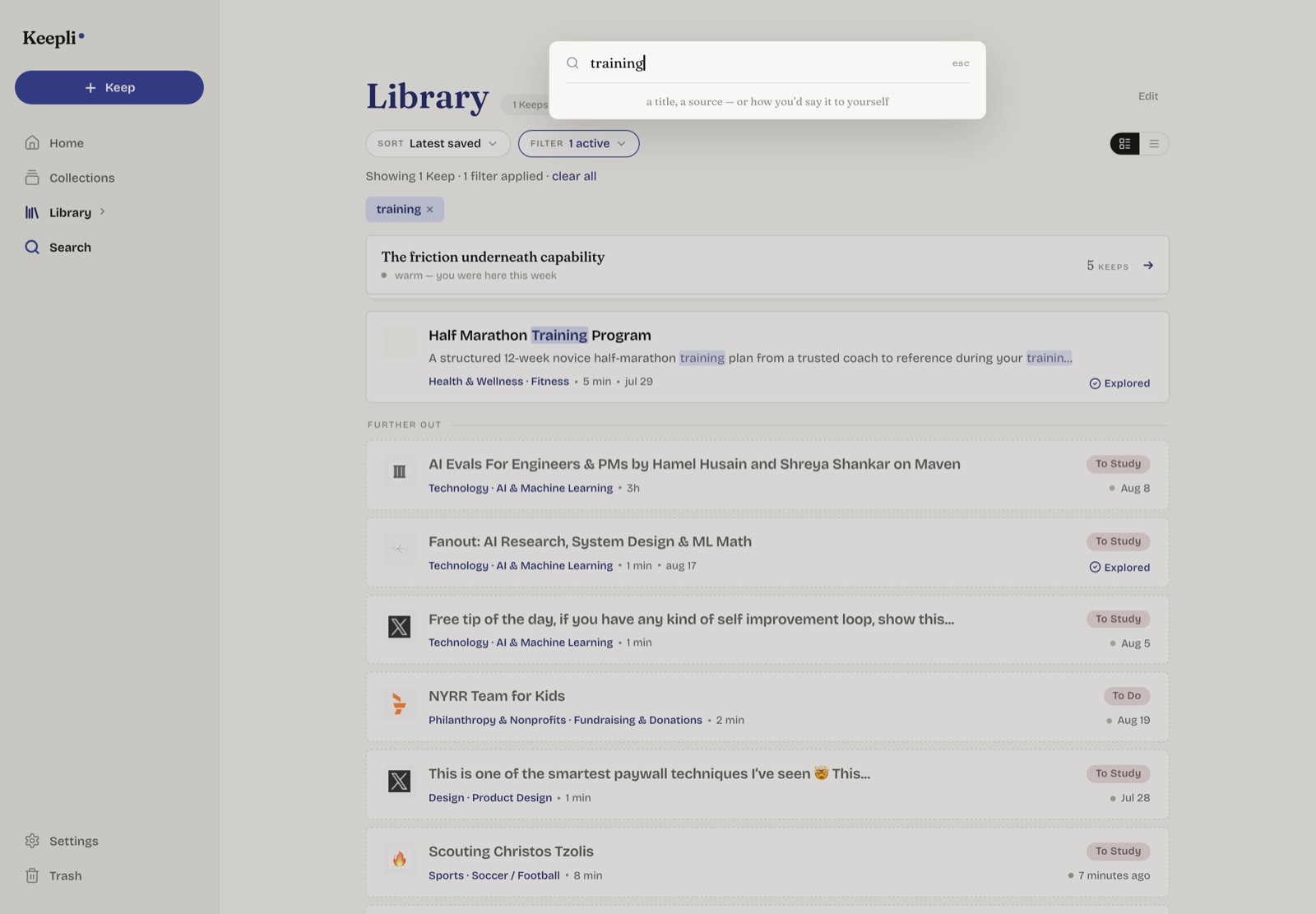
When you know what you’re after. Direct hits on your search come first, then related concepts follow below.
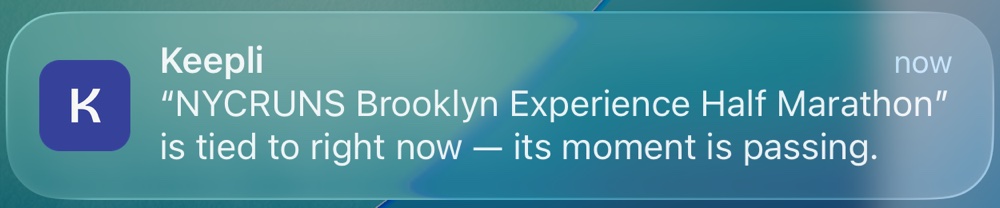
When something can’t wait. A time-sensitive or noteworthy Keep gets a nudge before its window closes.
A return only counts if you engage. Keeps open inside the app with your place remembered, and if one won’t open in-app, a handoff guides you to the source.
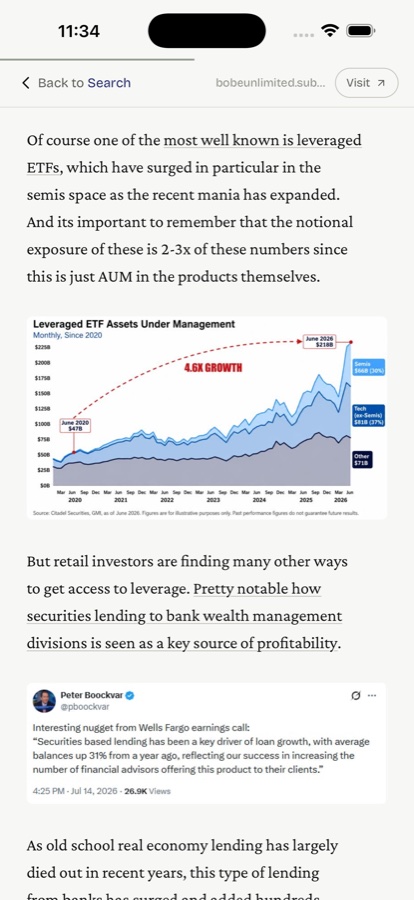
Reads in place. Articles open as a clean read inside Keepli. A chart and an embedded tweet render right where they belong.
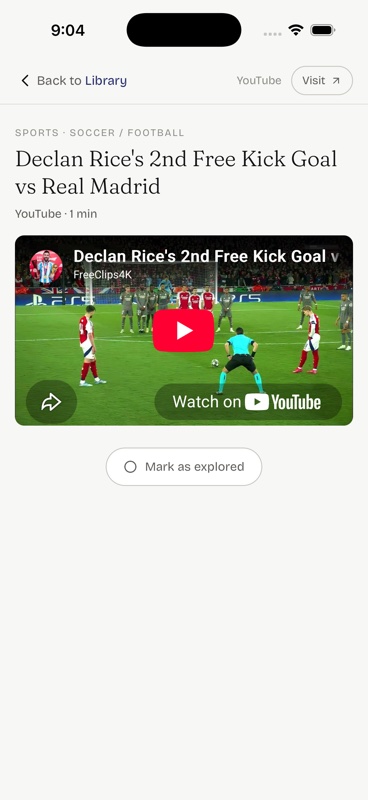
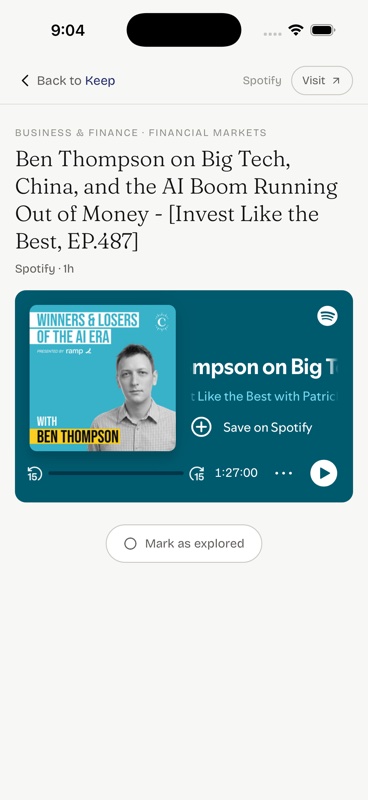
Plays in place. Watch or listen without leaving Keepli.
Mark your engagement. Swipe right anywhere to mark a Keep as fully explored, or left to let it go. The served Keeps settle right back into place.
How it’s built
This has been my solo passion project for the last few months. Here are some of the parts worth asking me about:
How changes ship
Every change to the recommendation engine goes through the same process:
For example, when Keepli claims that two Keeps are related (e.g. “Near one you highlighted”), it is based on a similarity score. Before a claim can surface, the score has to clear a threshold that I personally put in place to block obviously wrong and off-putting assertions. My dry-run process once helped me catch an unintended logic change that had moved a score up by 0.00005, which would’ve pushed several of these bad claims over the line.
Each build cycle is oriented around one key metric (currently: sessions per week spent actually consuming saved content), with a baseline recorded before I start iterating. What doesn’t move the needle gets killed.
What building it taught me
Both sound obvious in retrospect. Learning them was anything but.
I’ve spent my career building tools people use for work, not in their downtime. Earning attention every single day is a different sport. Even though Keepli is built entirely from things I chose to save, it took several rounds before I went from motivated tester to genuine user. The turn came when I stopped rebelling against social feeds and borrowed what they get right: one-gesture advances and an endless next thing. The right answer didn’t need to feel totally different.
Web content failures are loud (delayed paywalls, dead links, empty pages), but users will blame your platform for them. AI fails quietly, like a page classified with too little context or a summary that’s misleading. Worst of all, it exudes a confidence that too easily becomes your own. For both, the downside is asymmetric: good guardrails are invisible, but failures cost trust. So I’ve built retry logic, failure states, and kill switches everywhere. And I still don’t have enough of them.
What’s next
Keepli started with my problem: too much worth saving, too little coming back. Testing it with friends and interviewing others surfaced the opposite one.
They can clearly articulate what they’re interested in, but finding things worth keeping is harder. So the next stretch layers discovery on top of what you already keep.
Dashed parts are in progress.
Suggestions land in one place, where you keep or pass with a swipe. Three things feed it:
A page that describes what you’re drawn to, what you actually invest time in (which aren’t always the same), and the archetypes they add up to. Every claim links back to the Keeps behind it.
Put together, Keepli becomes an internet companion: it knows what you’re into, helps you find more of it, and brings the best of it back.
Where it’s at
Live on TestFlight and part of my daily routine, with about 500 Keeps of my own and more saved and explored every day. A small circle of friends is testing it with me, and their feedback is shaping what’s next.
Contact